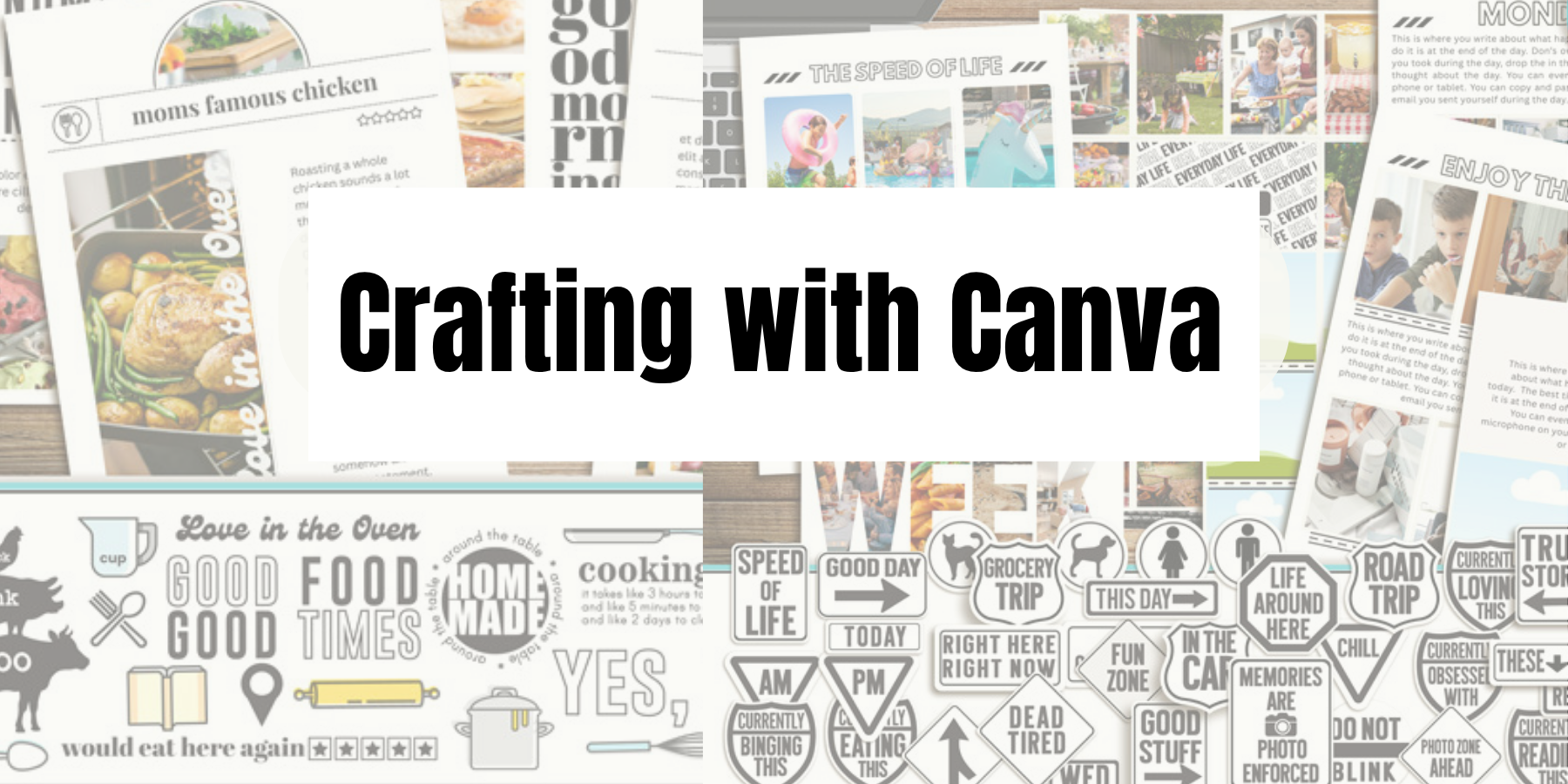
New to Canva? You’re in the right place.
This is your creative shortcut to scrapping smarter—not harder. Here you’ll find easy tutorials, hybrid hacks, and step-by-step guides to help you go from “Where do I click?” to “Look what I made!”
- Photos + Canva = Snapshots
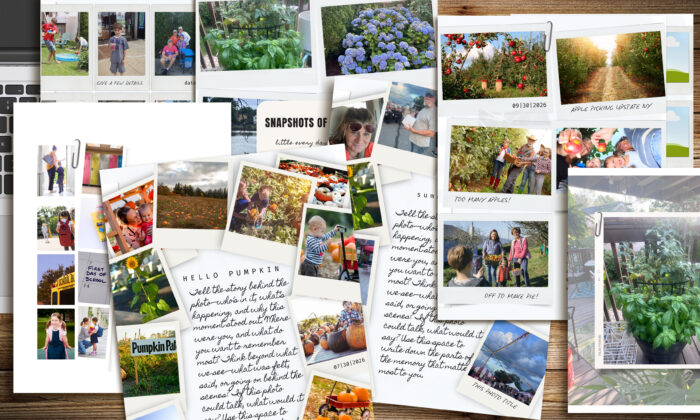 Watch how simple it is to turn 100s of Photos into a Scrapbook with SNAPSHOTS Canva template!
 - Your Step-by-Step Guide to Scrapbooking with Canva + ForeverJoy Templates
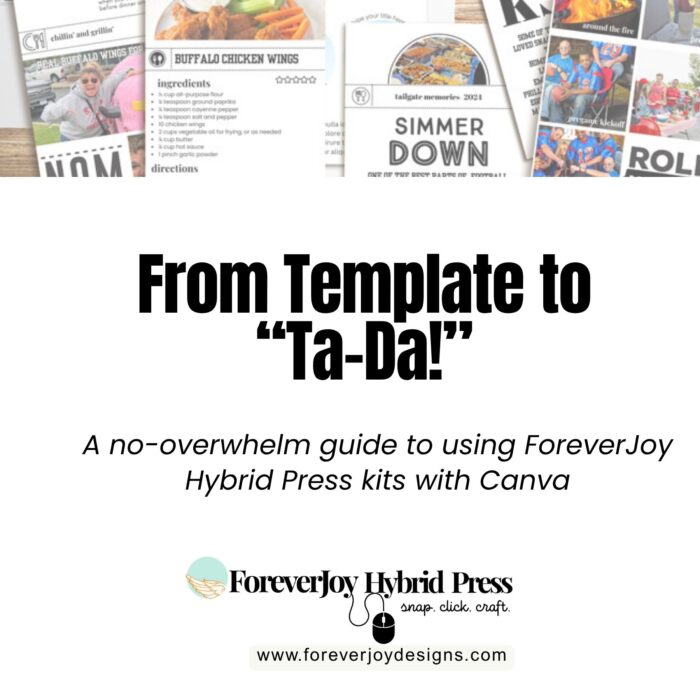 If you’ve got a ForeverJoy Canva Template open and a “now what?” expression on your face—don’t worry, I’ve got you. You’re officially in the right place.
 - Frozen by Photo Overload? Here’s How To Get Unstuck!
 Not sure what to scrap first? Read this!
 - Don’t let your stories get lost on your camera roll- bring them to life with Canva
 I get it—life’s full. You’re busy. The idea of sitting down to scrapbook feels like a luxury you don’t have time for. But here’s the thing: what if you could do it differently? Smarter. Faster. With tools that actually work for the way your life runs right now?
 - Canva Scrapbooking Troubleshooting: How to Fix the 5 Things That Trip Everyone Up
 So, you’re in Canva. Your template is open. You’re feeling good…Until something moves when it shouldn’t.Or won’t move when you’re begging it to.Or you just resized your image and now it’s all weird and distorted…
 - Fast, Focused, and Done: The Canva Scrapbooking Quickstart Plan
 A Quick Start Checklist: Scrapbooking on Canva (Without Losing Your Mind or Your Weekend)
 - Why Canva is the Best Kept Secret in Modern Scrapbooking
 This isn’t your grandma’s glue stick. Canva’s changing the game—and here’s how.
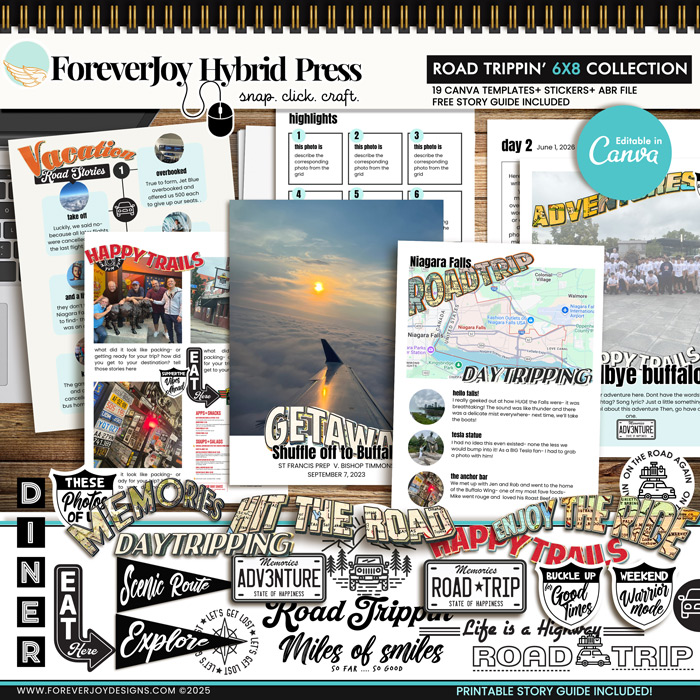
CANVA (All Products)
No Photoshop? No problem. These drag-and-drop Canva scrapbook templates make creating easy anywhere – your craft room is as close as your Wi-Fi! SNAP your photos, CLICK your mouse and CRAFT your stories your way in no time!