Photos + Canva = Snapshots.
The math is simple. The payoff is huge.
If you’re like me, when I wrap up a chapter—whether it’s a season, a vacation, or a special event-I’ve got hundreds of photos on my camera roll. And that’s great! Until I hit the next thought: “I have HUNDREDS of photos… now what?”
That’s the moment when excitement turns into overwhelm.
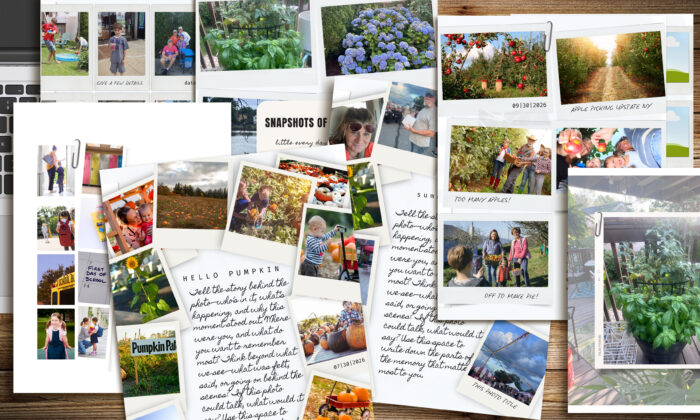
Which is why I designed Snapshots—a Canva template that makes it ridiculously easy to take those photos from stuck on your phone → finished scrapbook page in no time flat. Bonus: you don’t even have to write long journaling if you don’t want to. These layouts lean into photo-journal style storytelling, so the images do the heavy lifting. (Didn’t I tell you this was simple?)
Why Snapshots Works
Here’s the psychological trick: a blank page dares you to “be creative,” which is basically a recipe for avoidance. Snapshots gives you a head start. It’s structured to:
- Cut decision fatigue: the framework is already there—you just plug in your photos.
- Tame perfectionism: built-in shadows and clean layouts keep things polished, no endless tweaking required.
- Make storytelling easier: spots for words guide you past the “what do I even write?” block.
- Spark momentum: one finished page = instant accomplishment. That little win makes you want to keep going.
It’s not just about saving time. It’s about lowering the mental barriers that keep you from telling your stories in the first place.
Want to see how fast it can be? Here’s a quick before-and-after that shows a page going from blank Canva canvas → done in just a minute:
And if uploading your photos has ever been a sticking point, this tutorial walks you through the easiest way to get pictures into Canva so you can start scrapbooking without fighting your tech:
So, if you before you turn the page to your next adventure, why not push pause , collect your most recent photos and turn them into Snapshots! (see what I did there)
And if you want more tutorials like this one, don’t forget to subscribe to my YouTube channel. Every subscriber is like a little cheer that says, “More of this, please!”
CANVA (All Products)
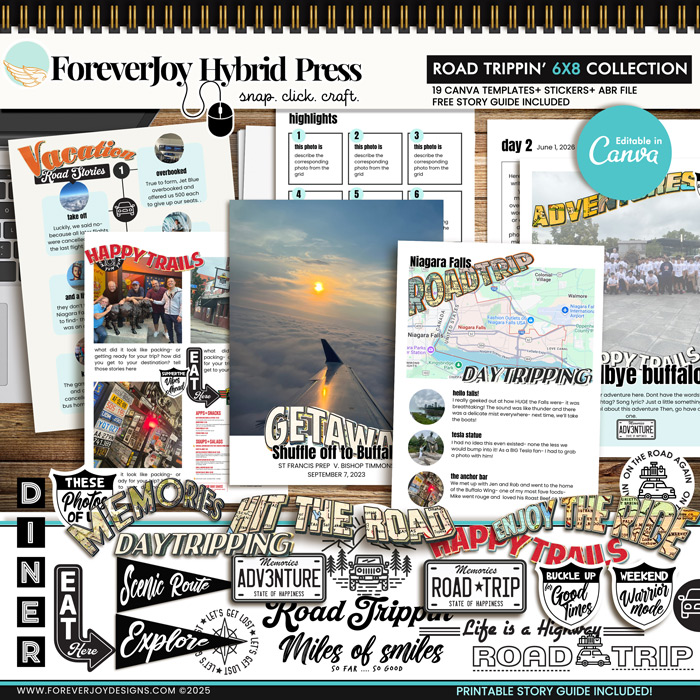
No Photoshop? No problem. These drag-and-drop Canva scrapbook templates make creating easy anywhere – your craft room is as close as your Wi-Fi! SNAP your photos, CLICK your mouse and CRAFT your stories your way in no time!